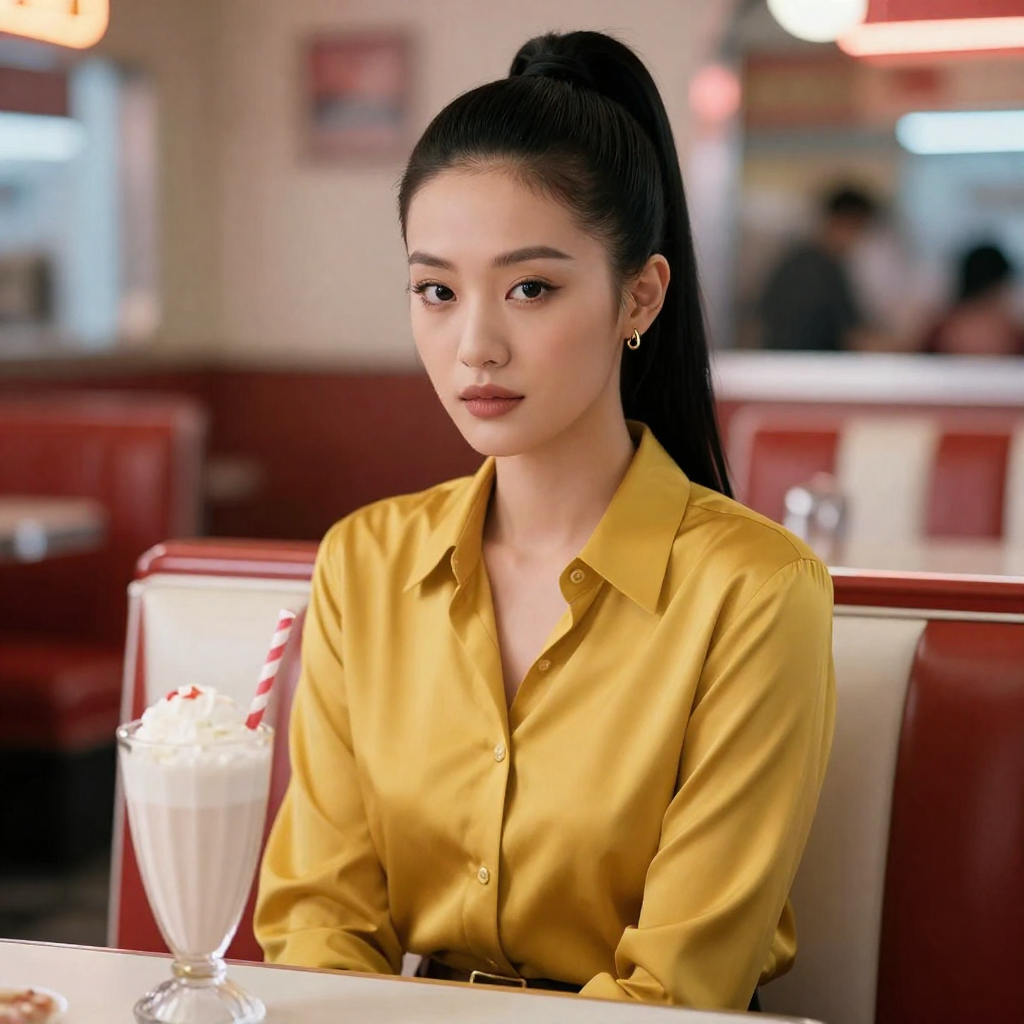
There is a moment every picture-maker here recognises: a portrait so good you catch yourself expecting her to move. Good news — she can, and your first clip is a much smaller adventure than it looks. The trick is to let the photo do the heavy lifting. She, her outfit and the room are already decided; all the video tool has to invent is a few seconds of movement.
Step one: choose a photo with somewhere to go
Pick a still where a small motion feels natural — she could turn toward the light, smile a little wider, take one step closer, let the breeze have her hair. Leave her a little space in the frame to move into. A tightly cropped, perfectly frozen poster portrait makes a cramped clip; a photo with breathing room makes a graceful one.
Step two: whisper one stage direction
Write the motion like you are directing a very obedient, very literal actor: “She slowly turns her head toward the window light and smiles, hair swaying just a little, camera perfectly still.” One motion. Calm camera. Every extra moving thing you add — a turning head and a walking crowd and a swooping camera — multiplies the ways the render can smear, and short clips are read in a glance anyway.
Step three: pick the size it will live at
Video is priced per clip by length and resolution, and the exact credits show before you confirm — so decide the destination first. A looping hello for your page header is a small job. A full clip for a paid set is a bigger one. Rendering everything at maximum “just in case” is the classic way beginners double a bill for pixels nobody will ever see; if a little clip becomes a hit, the video upscaler can finish it bigger later.
Step four: watch it like a clip, twice
First viewing: does she stay herself all the way through the motion? Second viewing: the seams — hands, hairline, the background where it bends. Pass both, and the clip joins the set with a little crown on it. Fail one, and the fix is almost never “render it again and hope” — it is a smaller motion, or a better starting photo. That is the whole craft, honestly: a strong still, one gentle instruction, and the patience to watch it twice.